Audio Technology and Sound Design
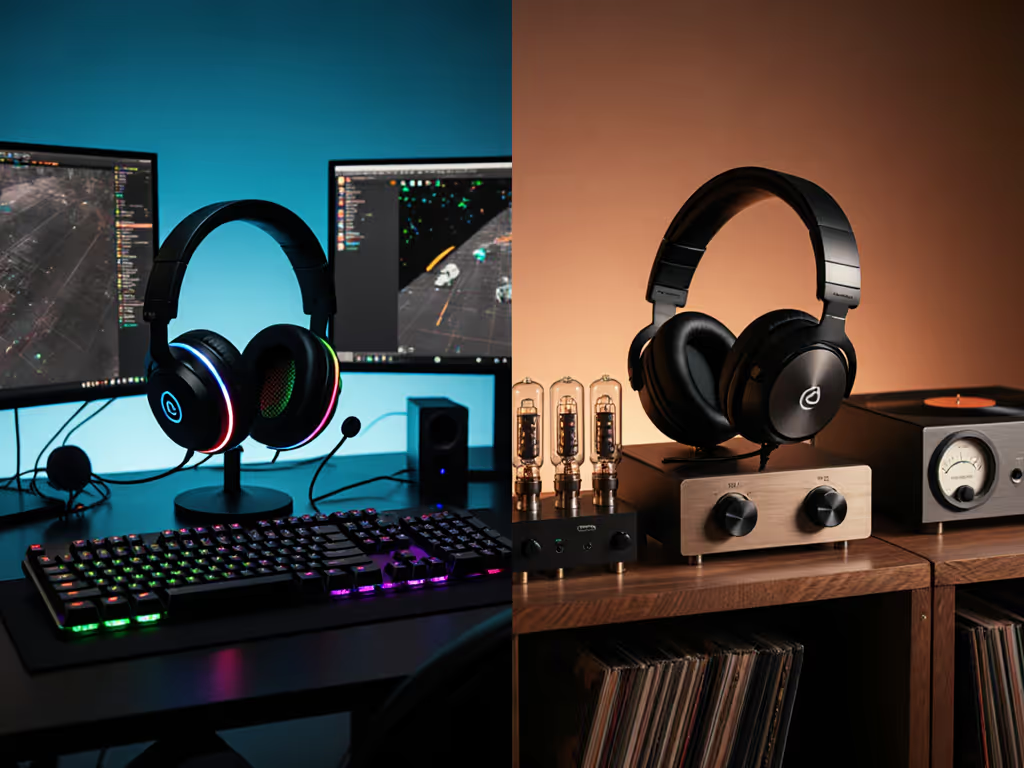
Gaming Headphones vs Audiophile: Real Differences That Matter
22nd Jan•5 min read
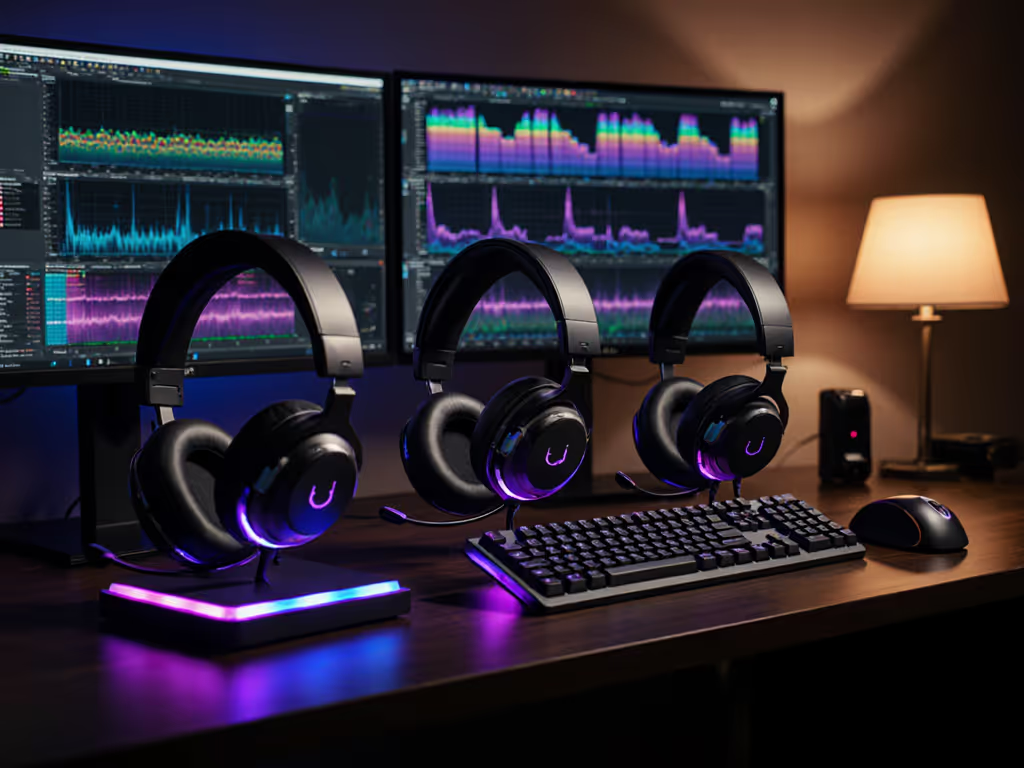
As competitive gamers know all too well, inconsistent audio between platforms can cost you the match. When your modular audio processing headset can't maintain consistent tuning across PC, console, and mobile sessions, you're forced to constantly relearn spatial cues. That's why I've become laser-focused on hardware-based audio customization as the foundation for reliable competitive performance. Forget flashy software that crashes when you need it most, what matters is predictable tuning you can count on during your longest raids. Stable comms are invisible; broken updates are loud and late. If you bounce between consoles, our PS5/Xbox switching guide shows verified, low-friction setups.
Most gamers assume software-based EQ solutions are sufficient, until they join a ranked match and discover their carefully tuned "footstep clarity" profile vanished after a mandatory update. For genre-specific tuning, see our footstep clarity analysis. This is where hardware-based EQ creates a fundamental advantage: it's immune to the software instability that plagues competitive environments. When your audio processor lives on the device itself, you avoid:
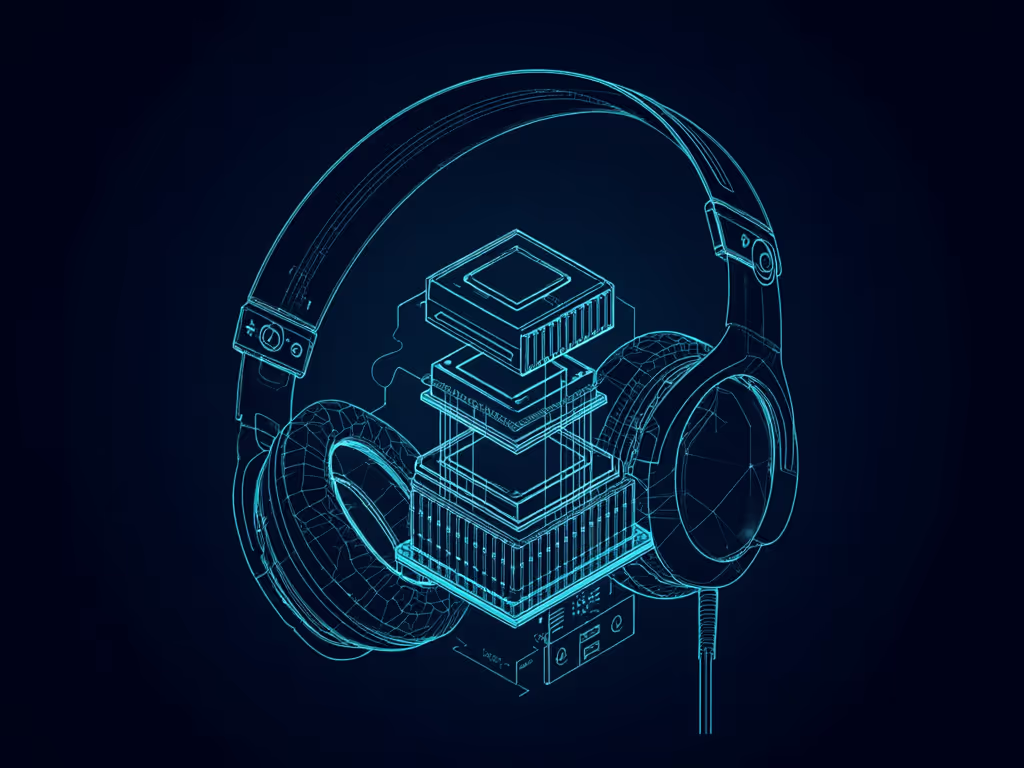
That patch that once nuked my sidetone mid-raid? It taught me that the most expensive DAC means nothing if your EQ settings live in a fragile software layer. Hardware-based tuning survives platform switches, firmware rollbacks, and even OS reinstalls, because it's built into the very circuitry of your headset.
Not all hardware EQs deliver equal performance. Understanding these distinctions prevents costly mistakes:
Digital signal processors (DSPs): Process audio after conversion to digital format. While flexible, they introduce latency that can desync audio cues. Get the full breakdown in our 2.4GHz vs Bluetooth latency analysis. Look for models with sub-10ms processing latency.
Analog circuits: Process audio in its native form without conversion. These deliver zero-latency tuning but require careful engineering to avoid coloration. Top-tier models measure <0.001% THD+N even at full EQ swing.
Hybrid designs: Combine both approaches, using analog for critical low-latency adjustments and digital for complex processing. This approach powers the best gaming implementations where milliseconds matter.
Remember: Your EQ shouldn't make your headset sound "better" it should make it sound consistent across every platform you touch.
Before comparing specs, document your actual workflow:
This creates your personal stability benchmark. Headsets with physical connection toggles (like dedicated 2.4GHz/BT switches) prevent the dreaded "why won't my PS5 recognize my headset" scenario that ruins scrims. For headsets that excel at dual wireless switching, check our best dual-wireless headsets test.
Most reviewers test headsets on a single platform, which is useless for competitive gamers who switch nightly. Here's my proven method:
Headsets that maintain <1.5dB variance across platforms deliver the reliable audio reference you need when lives depend on hearing that subtle footstep.
Check these often-overlooked specs:
This is where most "best gaming audio headset" lists fail you. Check:
A manufacturer that treats firmware like a chore will eventually ship you an update that breaks your carefully calibrated setup. I prioritize brands that document stable firmware chains like professional audio engineers.
Your sound processor comparison must account for actual switching friction:
Elite headsets deliver platform switches in under 3 seconds with no audio interruption, which is critical when you're jumping from Warzone to Discord calls.
This system stands out for its actual modularity. The hot-swappable transmitter lets you maintain identical audio processing whether using PC, PS5, or Xbox. The hardware-based EQ operates at 32-bit/96kHz resolution with 10 bands of adjustment.
What matters most for competitive play: the EQ profiles save directly to the headset, not the software. Switch between platforms and your "footstep focus" profile stays consistent. Its analog EQ circuit delivers zero-latency processing critical for directional audio cues.
Featuring planar magnetic drivers (10Hz-50,000Hz frequency response), the Penrose X includes a dedicated hardware EQ processor with 5 switchable presets. The analog circuit design preserves timing accuracy while adjusting bass impact, a crucial feature for competitive play where artificial bass can mask subtle audio cues.
Unlike software-dependent alternatives, the Penrose X maintains EQ settings through platform switches without requiring re-pairing. This consistency is why it's become my go-to during cross-platform tournaments.
This CES 2026 standout features a 50mm Olefin Composite Elastomer driver with dual Class A/B and Class D amplification. What makes it special for competitive gaming is the hardware-based "Impact+" circuit that enhances bass impact without sacrificing timing, critical for feeling explosions while hearing precise footsteps.
The Leo's modular design includes swappable audio modules that maintain consistent tuning across Bluetooth LC3plus, wired, and aptX HD connections. For gamers who move between mobile and console play, this eliminates the "why does this sound different on Switch?" frustration.
Have these ready before you need them:
I keep these documented in my competitive rig's physical maintenance log, not buried in some cloud account that might get locked during a tournament.
Great hardware fails without boring, predictable software. That's why I prioritize headsets where the audio processing lives in the hardware, not trapped in some bloated app that requires a login just to change EQ settings. The best gaming audio experiences don't announce themselves; they simply disappear into your workflow.
When your modular audio processing headset just works across platforms, you stop thinking about your gear and start focusing on the game. That consistent audio reference (knowing exactly how many dB to boost at 1.5kHz for optimal footstep clarity) is what separates good players from great ones.
In my experience, the headsets that win long-term are those engineered for stability rather than novelty. Replaceable parts, documented firmware paths, and physical controls that work without software create that all-important switch-fast workflow where platform changes become background noise rather than match-ruining events. If modularity matters, compare repairable gaming headsets with swappable parts.
Your next step? Grab your current headset and test its EQ consistency across platforms. If you need to reconfigure settings every time you switch devices, you're racing with one foot on the brake. In competitive gaming, consistent reference is everything, and nothing beats knowing your audio will behave exactly as expected when it matters most.