Buying Guides and Ownership Essentials
Modular Gaming Headsets: Long-Term Value Guide
31st Mar•11 min read
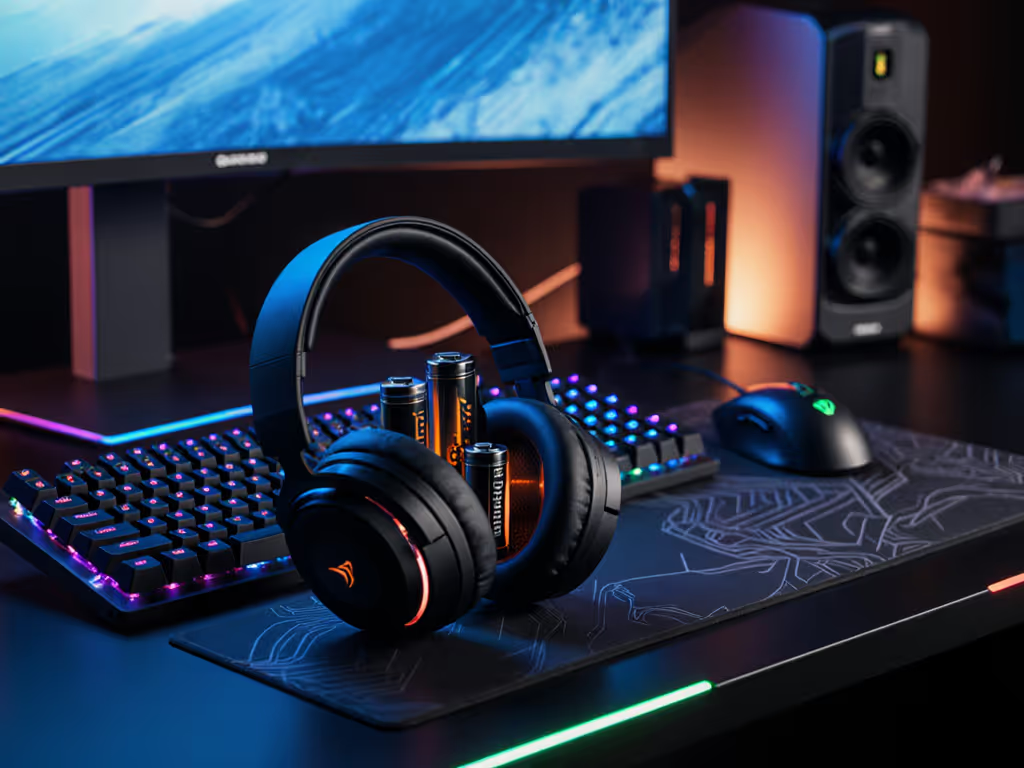
Between raids, ranks, and long sessions, your wireless headset's battery health is the silent teammate that either carries you through or drops comms at the worst moment. When gaming headset battery safety fails, you're left scrambling with a swollen unit or mid-match power loss (exactly why proper wireless headset battery care deserves as much attention as your audio settings). I've seen championship scrims derailed by preventable battery failures, so let's build your confidence in power management with checklist-driven steps that won't add friction to your workflow.
Stable comms are invisible; broken updates are loud and late.
Most wireless headsets use compact lithium-ion batteries optimized for weight and density (perfect for mobility but vulnerable to gaming's unique stress patterns). Unlike phones that sit idle between charges, headsets endure:
My wake-up call came during a regional qualifier when a firmware patch accidentally disabled battery monitoring. Suddenly, my headset died mid-final match with no low-battery warning. Since then, I treat battery health like firmware stability: sandboxed, monitored, and backed up with fail-safes.
Don't charge overnight, even if your headset claims overcharge protection. Lithium batteries degrade fastest when held at 100% voltage. Instead:
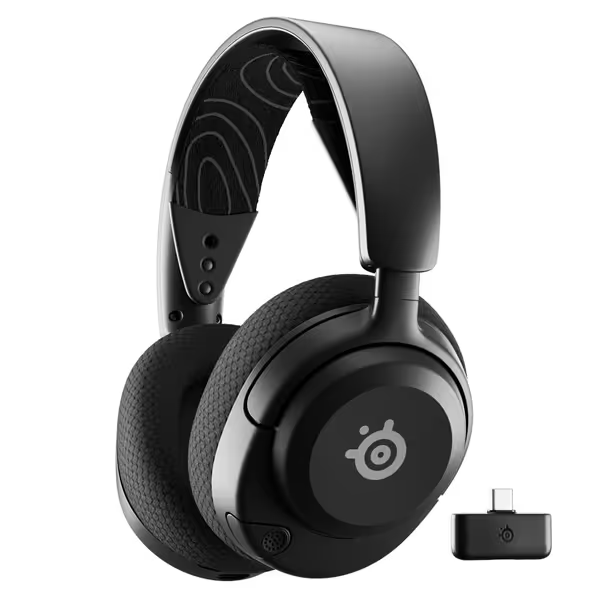
Use only manufacturer-approved cables. Third-party chargers often lack voltage regulation, causing micro-surges that accelerate wear. Check your manual for compatible accessories (SteelSeries' Nova 5, for example, specifies USB-C PD 3.0 for optimal charging).

Catch problems before they kill your headset:
When I spotted minor swelling on a tournament headset, I immediately switched to backup units and preserved the original for analysis. That unit revealed how cumulative heat exposure from nightly charging had compromised the battery casing.
Headsets behave differently across ecosystems. Apply these fail-safe instructions based on where you play: For battery and stability trade-offs, compare 2.4GHz vs Bluetooth.
For cross-platform users like me, optimal charging cycles mean scheduling top-ups during natural breaks (between matches, not mid-game). I keep a physical charge log for each headset (simple stickers with dates) to track degradation patterns.
Most manufacturers hide detailed battery metrics behind proprietary apps, but you don't need telemetry to stay proactive. If your headset relies on software, our companion apps comparison shows which ecosystems report battery status reliably. Implement these minimal jargon diagnostics:
Headset battery health monitoring becomes crucial when you rely on wireless stability for competitive play. I've documented cases where seemingly random dropouts traced back to voltage fluctuations from degrading batteries (not RF interference as initially suspected).
If you notice swelling or overheating:
Never puncture or disassemble swollen units. Thermal runaway can ignite within minutes once casing integrity fails. Keep these rollback notes visible near your charging station. Traveling soon? Review our airline-approved headset storage guide for lithium battery rules and safe transport.
Prevent battery swelling through consistent habits that mirror firmware hygiene: For full upkeep beyond batteries, follow our gaming headset maintenance guide to extend overall lifespan.
Great hardware fails without boring, predictable software, and the same applies to batteries. Treat them like mission-critical components, not disposable parts. That SteelSeries Nova 5 I tested lasted 18 months in tournament rotation because we treated its battery like a player: monitored, rested, and protected from avoidable stressors.
When sourcing replacements, account-free install preferred applies to batteries too, avoid headsets requiring app authentication for battery calibration. Keep your power chain boring, predictable, and backed up. Your next clutch play shouldn't hinge on whether your headset survives the match.
Explore further: Download my cross-platform battery log template (no email required) to track your headset's health metrics alongside firmware versions and usage patterns. Knowledge beats speculation when every percentage point of battery life matters.