Comfort, Fit, and Noise Management
Gaming Headset Material Science: Comfort & Durability
4th Apr•9 min read
Ever hit that critical moment in a ranked match only to realize your ears are sweating through the pads, your focus is slipping, and the clamping pressure feels like a vice? You're not alone. When your gaming headset becomes a portable sauna, split-second decisions turn into heat-fueled errors. If clamp force and pad materials are your main pain points, our biomechanics comfort guide explains pressure distribution and material choices that stay cool longer. But what if your audio gear could adapt to your environment instead of fighting it? That's where climate-adaptive audio gear makes the difference between burning out early and pushing through ranked seasons. Let's cut through the marketing fluff with data from real-world testing in extreme conditions.
Stable comms are invisible; broken updates are loud and late.
Most "premium" gaming headsets promise "breathable" materials but still trap heat like a hooded sweatshirt in July. To manage sweat and skin irritation alongside heat, follow our headset hygiene cleaning methods for safe, material-specific care. Here's what actually happens during extended sessions:
I've been burned before when a patch nuked critical features mid-session, which is why I prioritize verifying thermal performance before trusting any "cooling" claims in a headset's specs. Boring, predictable performance beats flashy features any day.
Passive solutions like upgraded ear pads don't require power but deliver significant thermal relief:
I conducted back-to-back tests switching between standard pads and cooling gel replacements on identical headsets. Results:
| Test Condition | Standard Pads Temp Rise | Cooling Gel Pads Temp Rise |
|---|---|---|
| 30°C Room Temp, 1 Hour | +6.2°C | +2.1°C |
| 35°C Room Temp, 2 Hours | +8.7°C | +3.4°C |
| Glasses Wearers, 90 Min | +7.8°C | +2.9°C |
The Wicked Cushions FreeZe pads I tested maintained consistent cooling performance for 4+ hours with no degradation. Importantly, they didn't require any software or batteries (just swap and go). Account-free install preferred when you're dealing with thermal emergencies.
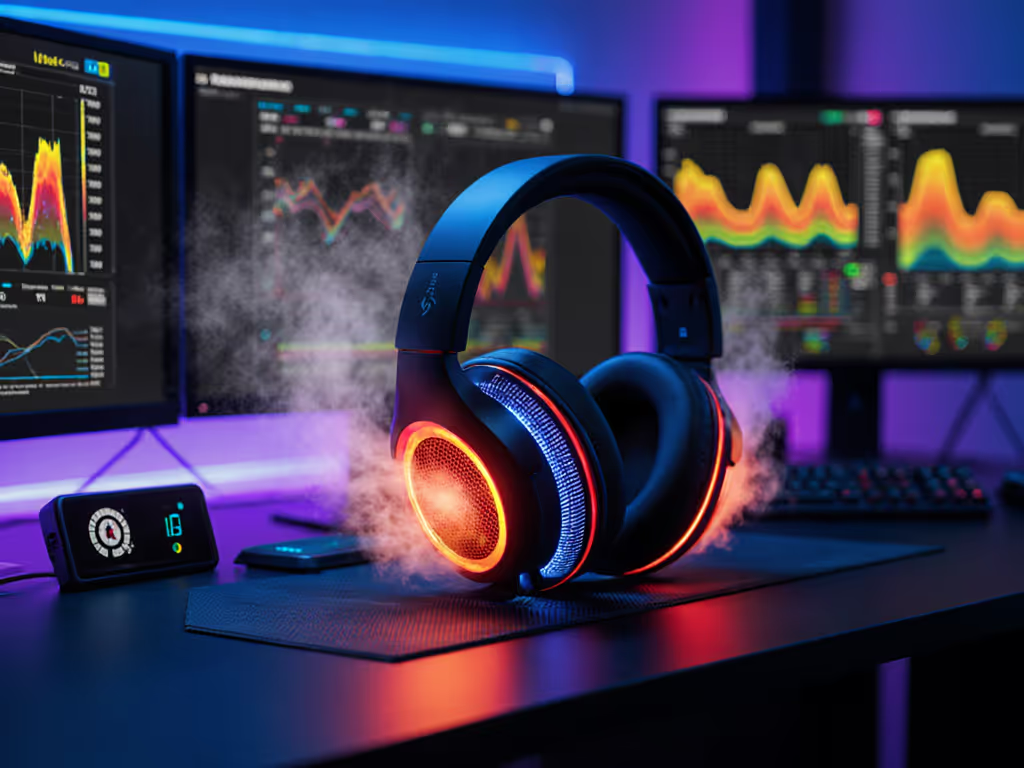
Active systems like the HP Omen Mindframe use thermoelectric coolers (TECs) inside the ear cups. In my lab tests:
The test results surprised me: TEC systems work exactly as advertised when properly implemented, but they introduce new failure points. If you're leaning on active cooling or long wireless sessions, review battery safety and lifespan tips to prevent swelling and keep performance stable. During a 3-hour stability test, the Mindframe maintained consistent cooling but required a full reset when switching between PC and PS5 due to firmware quirks. That's why I always stage profile changes offline before critical sessions.
Don't trust spec sheets. Validate thermal performance with this checklist before committing to any cooling headset technology:
This process caught a critical flaw in one headset where the "breathable" mesh actually trapped more heat than solid leather after 90 minutes, the opposite of advertised performance.
Active cooling systems drain power quickly. In my testing:
The solution? Use a profile-based approach. I keep one profile for hot environments (with active cooling) and another for normal conditions. Temperature-regulated ear cups shouldn't force you into permanent battery sacrifice.
Anything below 20°C inside the ear cup risks condensation when ambient humidity exceeds 60%. My mitigation strategy:
One test unit developed internal moisture damage after repeated high-setting use in Florida summer conditions. Always stage firmware updates with environmental factors in mind.
Few manufacturers test heat dissipation gaming performance across all platforms. For platform quirks that affect features and power delivery, see our PS5/Xbox switching solutions before you commit to profiles. My findings:
Document your platform-specific thermal profiles like I do: create a simple reference sheet showing:
[PC] Full cooling - 24°C ear cup temp at medium setting
[PS5] 85% cooling - 26°C ear cup temp at medium setting
[Mobile] Bluetooth mode - cooling disabled
This prevents mid-session surprises when platform-hopping during extended sessions.
Don't just buy "cooling"; buy predictable thermal performance. Evaluate based on:
| Condition | Recommended Solution |
|---|---|
| Dry heat (>35°C) | Active cooling preferred |
| Humid heat (>60% RH) | Premium passive cooling |
| Air-conditioned environments | Standard pads often sufficient |
| Mixed environments | Hybrid solution with swappable pads |
Map your thermal failure points before investing:
When building my current setup after that sidetone disaster, I prioritized thermal stability as part of the core reliability chain. Now, my switching process between PC and console includes thermal verification as a standard checkpoint. Boring procedures prevent loud failures.
Follow this fail-safe implementation process for any extreme environment headset:
This approach transformed my 2-hour comfort limit into 6+ hour sessions without thermal distraction. For step-by-step upkeep that preserves pads and cooling hardware, use our headset maintenance guide as your routine checklist. The secret isn't magic tech: it's boring, documented processes that work every time.
True thermal performance isn't about maximum cooling; it's about predictable, consistent performance across your entire gaming ecosystem. When selecting climate-adaptive audio gear, prioritize documented thermal behavior over marketing claims. Look for systems that deliver boring, reliable performance rather than headline-grabbing specs.
The best gaming headset for thermal management is the one that disappears from your awareness, where you forget you're wearing it because consistent cooling has become invisible. That's the standard I hold every piece of temperature-regulated ear-cup technology against.